How to get more calls from Google
Where local customers find you on Google, and the handful of things that decide whether they tap call on you or the next business.
When someone needs a plumber, a painter or a pressure washer, most of them pick up their phone and search Google. Whether that search turns into a call for you comes down to a few things you control.
Most local service jobs start the same way. A homeowner types something like "house cleaning near me" or "tree removal Fishers" into Google, looks at the first few results, and calls one of them. They rarely scroll far. So the question is simple: when that search happens in your area, do you show up, and when you show up, do you look like the safe choice?
Where people actually see you
For local searches, Google usually shows two kinds of results. Near the top there is often a map with a short list of businesses, sometimes called the local pack. These come from Google Business Profiles. Below that are the regular results, which are websites.
You want to be in both places. The map listing is where a lot of calls happen, because there is a call button right there. The website is where people go when they want to know more before they call: what you do, where you work, what past customers say and whether you look professional.
Get your Google Business Profile right
Your Google Business Profile is free, and it is the single most important thing for showing up in the map. A few basics make a real difference:
Use your real business name, exactly as customers see it on your truck and invoices. Adding extra keywords to the name breaks Google's rules and can get the profile suspended.
Pick the primary category that best describes your main service, then add secondary categories for the other work you do.
Set your service area to the towns you actually serve, and keep your hours accurate, including holidays.
List your services with short, plain descriptions.
Add real photos of your work, your team and your vehicles.
We go deeper on this in our guide to Google Business Profile tips.
Reviews do a lot of the selling
People compare businesses by their reviews before they call. A steady flow of recent, genuine reviews tells them you are active and that other people in their area trusted you. Ask every happy customer, make it easy with a direct link, and reply to reviews, good and bad. Do not pay for reviews or only ask the customers you expect to be happy. Google's rules forbid both.
Give your website a job to do
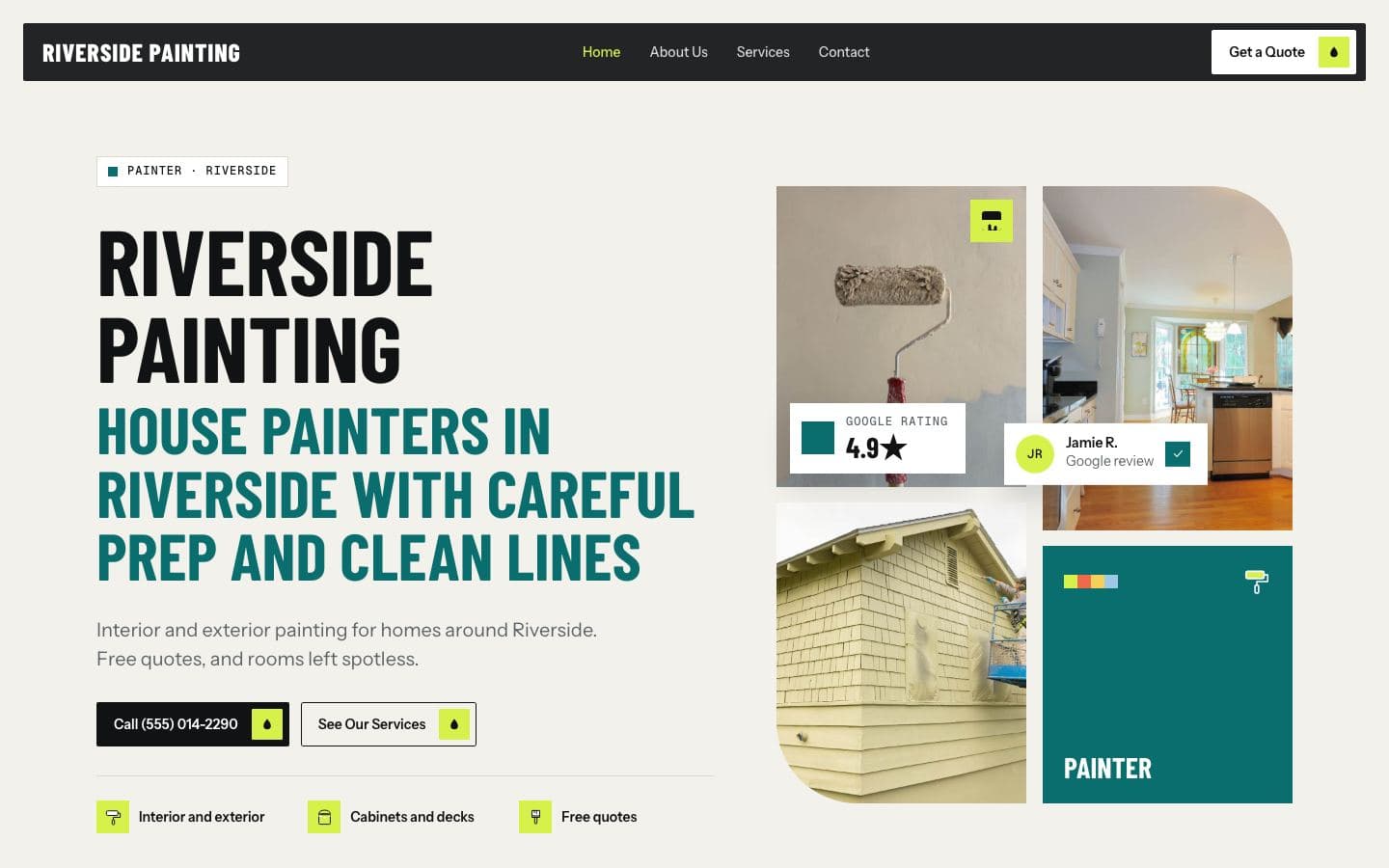
A website is not there to look pretty. Its job is to turn a visitor into a call or a quote request. That means:
Your phone number at the top of every page, and on phones a button that dials it with one tap.
A clear line near the top that says what you do and where, such as "House painting in Carmel, Fishers and Noblesville".
A page for each main service, so someone looking for deck staining lands on a page about deck staining.
Your reviews and real photos on the page, not hidden on another site.
A short quote form for people who would rather not call.
Be clear about where you work
Google tries to show nearby businesses. If you serve several towns, say so plainly on your website and in your profile. Many service businesses add a page for each town they cover, with honest details about the work they do there. That helps Google and the customer understand that you really do work in their area.
Make it easy on a phone
Most local searches happen on phones, often with someone standing in their kitchen looking at a leak. If your site is slow, hard to read or makes them pinch and zoom to find the number, they will go back and call someone else. Test your own site on your phone. Count how many seconds it takes to load and how many taps it takes to call you.
Keep an eye on what is working
You do not need to become a marketing expert, but it helps to look at a few numbers every month: how many people visited your site, how many tapped to call, and how many filled in a form. Google Search Console, which is free, shows you which searches brought people to your site. If calls drop, you will notice early instead of guessing.
The short version
Claim and complete your Google Business Profile.
Ask every happy customer for a review, and reply to them.
Have a fast, simple website with your number at the top and a page for each service.
Say clearly which towns you serve.
Check your numbers once a month.
None of this is a trick. It is just making it easy for Google to understand what you do and easy for customers to pick up the phone.
About FirstGen. FirstGen builds local service businesses a website from their Google listing (your name, reviews, photos, services and service area) before you pay anything. If you like the free preview, it goes live for $197 a month with hosting, your own domain and a dashboard that shows every visit, call and form. Get your free preview.
Read relevant posts
View all
Google Business Profile tips
A practical walk through the parts of your free Google listing that matter most for calls, and the mistakes that get profiles suspended.
Oct 19, 2026
Local SEO basics
Service pages, town pages and a consistent name, address and phone number: the foundations of showing up in local searches.
Local SEO
Oct 12, 2026
Click-to-call and quote forms
Small details on your website that decide whether a visitor calls you, asks for a quote, or leaves for someone else.
Websites
Oct 01, 2026
Your website, built
before you pay
We build your site from your Google listing: your services, reviews, photos and service area. Look it over, then decide.