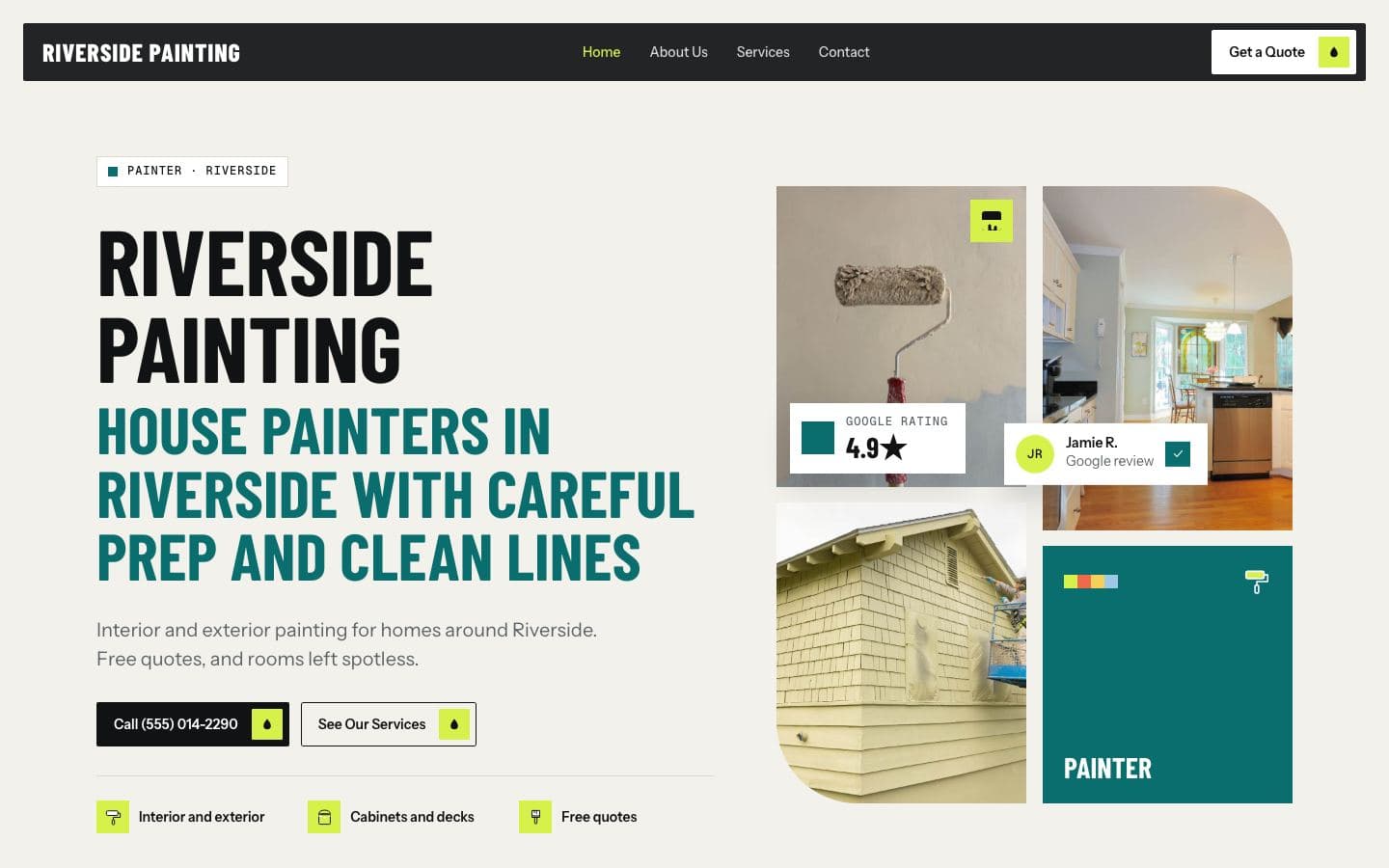
Click-to-call buttons and quote forms
Small details on your website that decide whether a visitor calls you, asks for a quote, or leaves for someone else.
Getting people to your website is only half the job. The other half is making it effortless for them to contact you. For most service businesses, that means a phone number they can tap and a quote form they can finish in under a minute.
Why it matters
Most people looking for a local service are on their phone, often in a hurry, and often comparing two or three businesses at once. If they have to hunt for your number, copy it by hand or fill in a long form, many of them will simply go back and try the next business. Small improvements here can turn the same number of visitors into more jobs.
Click-to-call: the basics
On a phone, your number should be a link that starts a call when tapped. On a website, this is a "tel:" link, and any website builder or developer can add it in minutes.
Put the number in the header of every page, so it is always visible.
On phones, consider a call button that stays at the bottom of the screen as people scroll.
Make the button big enough to tap with a thumb, and label it clearly, such as "Call now" or the number itself.
Use the same number everywhere: your website, your Google Business Profile and your vehicles.
Answer the phone, or call back fast
A click-to-call button only works if someone answers. If you are on a roof or under a sink, that is not always possible. Have a clear voicemail greeting that says who you are and when you will call back, and then actually call back quickly. If you take texts, say so on your site, because many people prefer it.
Quote forms: shorter is better
Not everyone wants to call. Some are at work, some are browsing at night, some just prefer typing. A quote form catches them. The most common mistake is asking too much.
A good starting form asks for:
Name
Phone number
Email
What they need, in a short text box
Their town or zip code
That is enough to call them back. You can ask about square footage, the age of the system or the number of rooms on the phone.
Make the form easy on a phone
Use the right keyboard for each field: a number pad for phone numbers, the email keyboard for email.
Keep labels visible above each field, not only as grey text inside it.
Make the submit button large, clear and specific, such as "Get my quote".
Show a clear message after they submit, saying what happens next and when.
Tell them what happens next
After someone submits a form, they want to know it worked and when they will hear back. A simple confirmation like "Thanks, we will call you within one business day" removes doubt. Then meet that promise. A fast reply is one of the strongest advantages a small business has.
Put calls to action where decisions happen
Do not make people scroll back to the top. Put a call button or quote button:
At the top of every page.
At the end of every service page.
Next to your reviews, where trust is highest.
Know where your calls come from
It helps to know how many people tap to call or submit a form each month. Many website platforms and dashboards can count taps on your call button and form submissions. If those numbers drop, you will know to look into it.
A quick check you can do today
Open your website on your phone.
Count the seconds until you can see your phone number.
Tap it. Does it start a call?
Fill in your own quote form. How long does it take?
Did you get the submission, and how?
If any step is slow or broken, fix it first. It is often the cheapest improvement you can make.
About FirstGen. FirstGen builds local service businesses a website from their Google listing (your name, reviews, photos, services and service area) before you pay anything. If you like the free preview, it goes live for $197 a month with hosting, your own domain and a dashboard that shows every visit, call and form. Get your free preview.
Read relevant posts
View all
What your website needs
The pages, details and buttons that turn a visitor into a phone call, and the things you can safely leave out.
Websites
Oct 22, 2026
Why mobile speed matters
Why a slow site on a phone quietly loses you calls, how to test your own, and the usual causes you can fix.
Websites
Sep 24, 2026
More calls from Google
Where local customers find you on Google, and the handful of things that decide whether they tap call on you or the next business.
Oct 27, 2026
Your website, built
before you pay
We build your site from your Google listing: your services, reviews, photos and service area. Look it over, then decide.