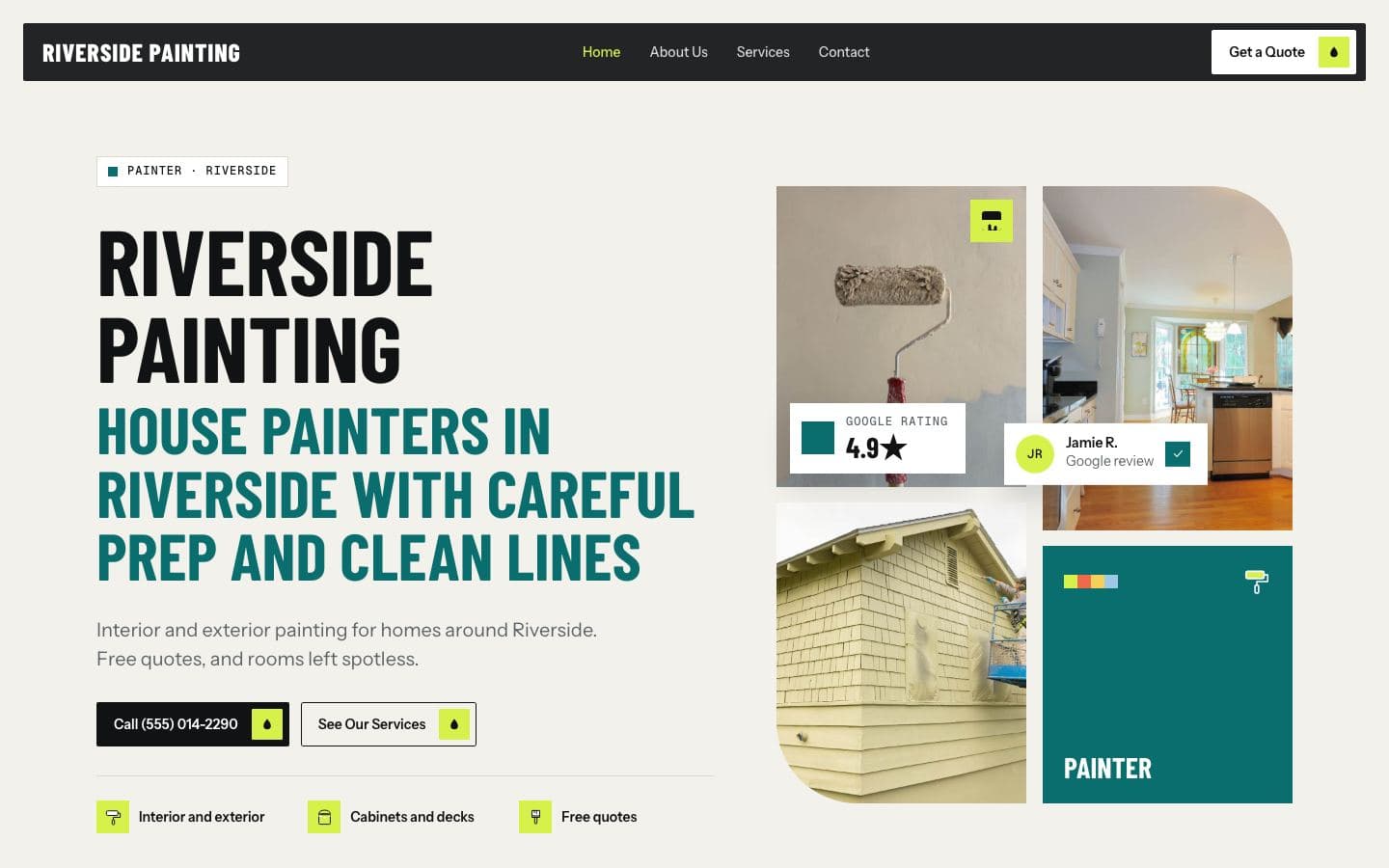
How your website was built from your Google listing, and what you can change.
Where your site's content came from, what's on it, and how reviews and photos are handled.
 FirstGen teamSupport
Where the content came from
We only use information your business has already made public:
Source | What we used |
|---|---|
Your Google Business Profile | Name, address, phone, hours, category, photos, rating and recent reviews |
Your current website | Your services and wording, plus a speed and mobile check |
Your Facebook and Instagram pages | Details and photos you posted publicly, when your listing links to them |
Our AI drafts the text (headline, services, about) from those sources. It's told to keep it plain and not to invent facts like licenses, years in business, prices or guarantees. Read it before you keep the site, and fix anything that's off by chat.
What's on your site
Home, services, about, reviews and contact, with 30–150 pages for every service and town you serve.
A contact form that emails each message to you once your site is live.
Tap-to-call phone links, your hours and a map link.
Built mobile-first, so it loads fast on a phone.
Reviews and photos
Reviews are quoted from your public Google Business Profile with the reviewer's public name, and attributed to Google. We never write or change a review. Photos come from your public listing or website, or ones you send us. You can remove any review or photo from your dashboard.
Your preview address
Every site has its own address at {name}.firstgen.site, for example joesplumbing.firstgen.site. It keeps working after you connect your own domain. While it's a preview, it asks search engines not to list it. Once you keep it, that switches off.
Don't want the preview? Email support@firstgen.dev and we'll take it down.