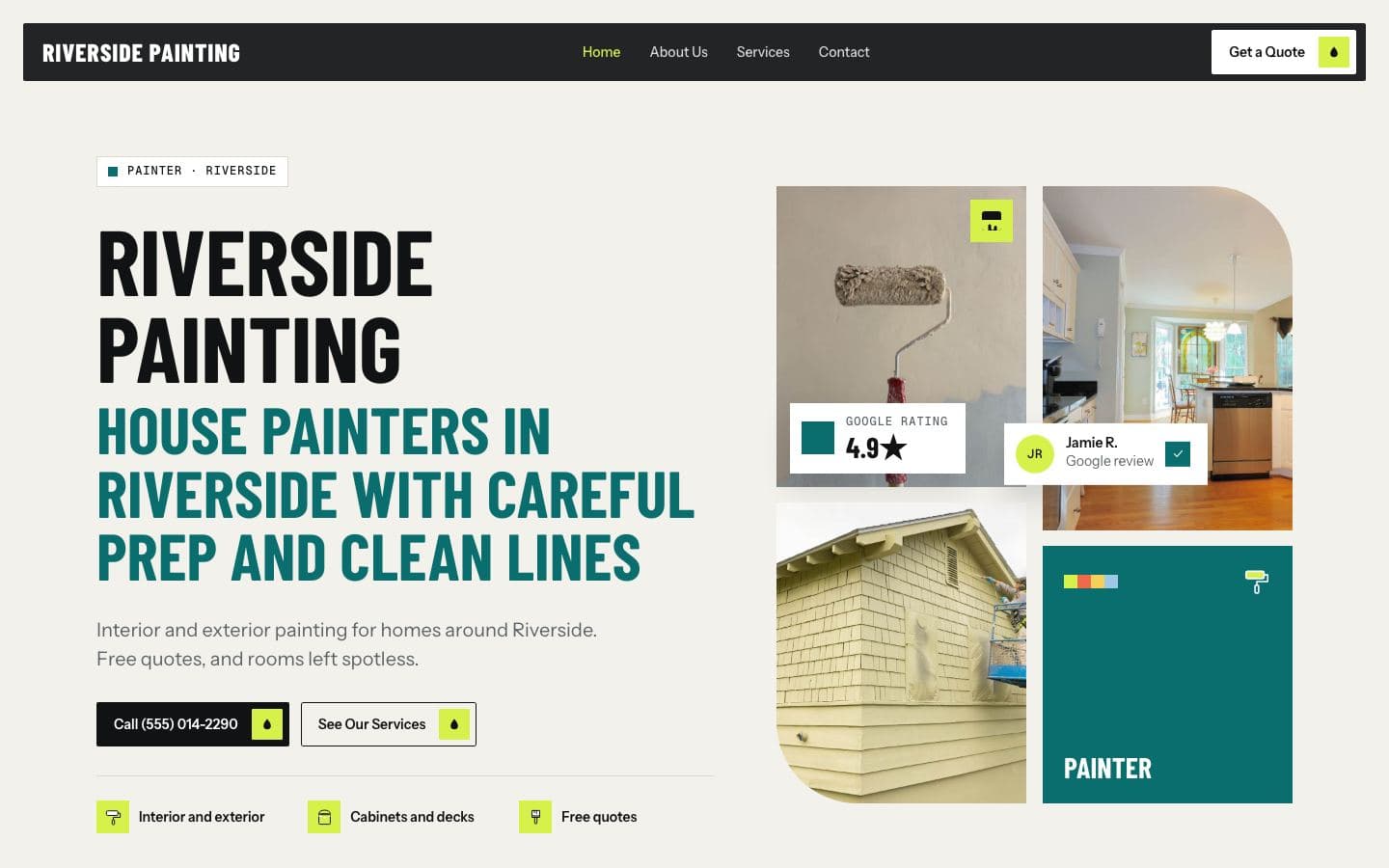
Photos that sell
What to photograph, how to shoot it well on your phone, and where to put your photos so they help you win more jobs.
For a service business, photos are proof. They show customers the quality of your work, who will turn up at their door, and that you are a real, active business. You do not need a professional photographer to get good ones.
Why real photos beat stock photos
People can spot stock photos instantly: the spotless model in a brand-new hard hat, the house that looks like a magazine cover. Those photos say nothing about you. Real photos of your actual jobs, your actual team and your actual trucks build trust because they are clearly yours, even if they are not perfect.
What to photograph
Build a habit of taking a few photos on every job. Over a few months you will have a library that covers everything you need.
Before and after shots. These are the most convincing photos for almost every trade: the stained driveway and the clean one, the overgrown yard and the tidy one, the dull car paint and the polished one.
Work in progress. Your team doing the job carefully, with the right equipment and the area protected.
Your team. Friendly, clear photos of the people customers will actually meet.
Your vehicles and equipment. Clean, branded vehicles signal an established business.
Details. Clean edges on a paint job, neat cable runs on an electrical panel, a well-groomed dog after a trim.
How to take better photos with your phone
Use daylight. Natural light is the easiest way to get good photos. Avoid shooting straight into the sun.
Clean the lens. A quick wipe makes a big difference, especially for phones that live in work pockets.
Hold the phone level. Crooked photos look careless.
Match before and after. Stand in the same spot, at the same angle, so the change is obvious.
Get the whole job and a close-up. One wide shot to show the scale, one close shot to show the quality.
Tidy the frame. Move the bucket, the ladder and the coffee cup out of the shot when you can.
Respect your customers
Always ask before photographing someone's home, and never include house numbers, licence plates, family photos, people or anything personal without permission. Many customers are happy to say yes if you explain you only show the work. Some will say no, and that is fine.
Where to use your photos
Your Google Business Profile. Add new photos regularly. A profile with recent, real photos looks active and trustworthy.
Your website. Put your best photos on your home page and on each service page, so someone reading about deck staining sees decks you have stained.
Your quotes. A few photos of similar jobs in a quote help customers picture the result.
Social media. If you use it, before and after posts are easy content.
Name your files and add a short description
When you upload photos to your website, a short, accurate description, such as "Pressure washed brick patio in Carmel", helps people using screen readers and helps search engines understand the photo. Keep it honest and specific.
Keep it current
Photos from years ago, with old trucks or old branding, can make a business look like it has gone quiet. Add a few new photos every month and remove ones that no longer represent your work.
Video is a bonus
Short clips can work well too: a quick walk around a finished job, a pressure washer cutting a clean line through grime, a before and after of a cleaned carpet. Keep them short, steady and quiet, and use them alongside photos rather than instead of them.
A simple habit
Before photo when you arrive.
One or two progress shots.
After photo from the same spot when you finish.
Ask permission, keep personal details out.
Upload the best ones to your Google profile and website each week.
Five minutes per job adds up to the most persuasive marketing you will ever have.
About FirstGen. FirstGen builds local service businesses a website from their Google listing (your name, reviews, photos, services and service area) before you pay anything. If you like the free preview, it goes live for $197 a month with hosting, your own domain and a dashboard that shows every visit, call and form. Get your free preview.
Read relevant posts
View all
Google Business Profile tips
A practical walk through the parts of your free Google listing that matter most for calls, and the mistakes that get profiles suspended.
Oct 19, 2026
What your website needs
The pages, details and buttons that turn a visitor into a phone call, and the things you can safely leave out.
Websites
Oct 22, 2026
Getting and answering Google reviews
How to ask for reviews without breaking Google's rules, and how to reply to the good ones and the bad ones.
Reviews
Oct 15, 2026
Your website, built
before you pay
We build your site from your Google listing: your services, reviews, photos and service area. Look it over, then decide.